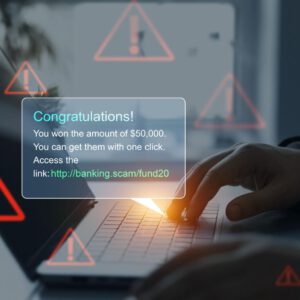

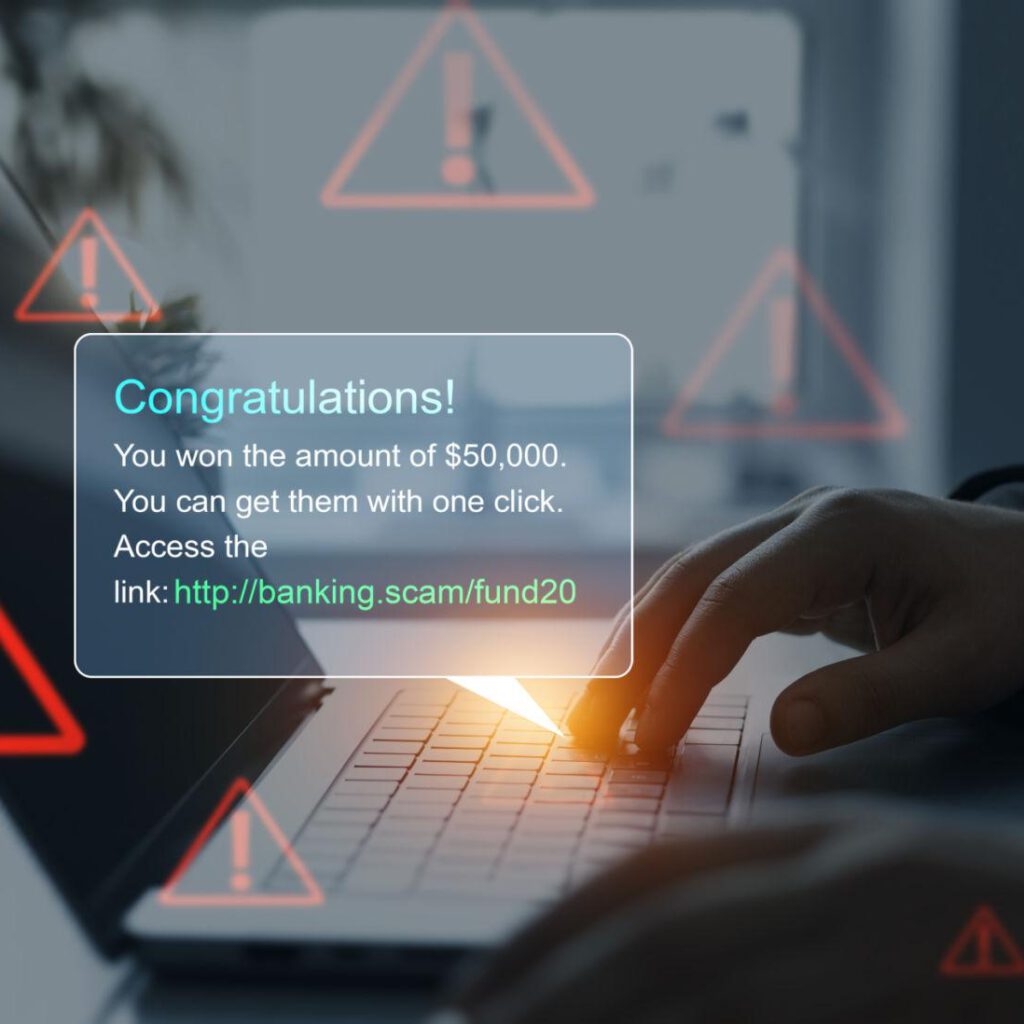
Phishing emails are no longer riddled with spelling mistakes or suspicious formatting. Today, they are polished, professional, and designed to look exactly like messages from banks, utilities, schools, and local organizations people trust every day.
Here in Maine, we regularly see phishing emails impersonating local banks, credit unions, internet providers, and even municipal offices. These scams succeed not because people are careless—but because they blend seamlessly into daily life.
A real scenario: a small business owner in central Maine receives an email that appears to come from their bank, warning of “unusual activity.” The logo is correct. The language is calm but urgent. The link looks legitimate. One click later, login credentials are stolen.
This article explains how phishing emails work, why smart people fall for them, and how to stop them before damage is done.
What Is a Phishing Email?
A phishing email is a fraudulent message designed to trick you into:
-
Clicking a malicious link
-
Downloading infected attachments
-
Entering passwords or personal information
Once that information is stolen, scammers can access bank accounts, email inboxes, social media profiles, and even business systems.
Why Phishing Emails Work So Well
Phishing attacks rely on psychology, not technology.
They use:
-
Urgency (“Action required immediately”)
-
Authority (“Security Department,” “IT Admin,” “Bank Alert”)
-
Familiarity (logos, signatures, branding)
In Maine, scammers often mimic:
-
Local credit unions
-
Spectrum, Consolidated Communications, or CMP
-
USPS delivery notifications
-
Town office or school-related messages
Common Types of Phishing Emails Mainers See
1. Fake Bank or Credit Union Alerts
These emails claim your account is locked or under review.
Red flag: Real banks never ask you to verify information via email links.
2. Package Delivery Problems
A message claims a delivery couldn’t be completed.
Maine example: Increased scam volume during winter months when packages are delayed.
3. Business Email Compromise (BEC)
Small businesses receive fake invoices or wire transfer requests.
Why it’s dangerous: Losses can reach thousands in minutes.
4. Password Reset Requests You Didn’t Ask For
Scammers hope you’ll click out of confusion.
How to Spot a Phishing Email in Seconds
Ask yourself:
-
Was I expecting this message?
-
Is the sender address slightly off?
-
Does the link match the official website exactly?
-
Is there pressure to act immediately?
If the answer raises doubt—even slightly—pause.
What To Do Instead of Clicking
-
Open a new browser tab
-
Go directly to the official website
-
Log in manually
-
Call the organization using a trusted phone number
This one habit stops nearly all phishing attempts.
What If You Clicked a Phishing Link?
Act immediately:
-
Change affected passwords
-
Enable two-factor authentication
-
Contact your bank or IT provider
-
Scan your device for malware
Quick action limits damage.
SonicServe’s Advice for Maine Residents & Small Businesses
Phishing scams are not a sign of poor judgment—they are a sign of professional fraud. Education and awareness are the strongest defenses.
At SonicServe, we help everyday people and small businesses understand digital risks in plain English—without fear tactics or technical overload.